Recall Cards is a free, offline flashcard maker with spaced repetition for learners who write their own decks or import them from CSV.
| Price | Free, with ads. No in-app purchases |
|---|
| Ads | A banner on the deck list, a deck's page and the session summary, and an occasional full-screen ad after you tap Done on a finished session's summary; never while studying or editing, and no reward videos. |
|---|
| Account | No account or sign-up |
|---|
| Works offline | Making cards, importing, studying and progress all work without internet; only the ads need a connection. |
|---|
| Permissions | Internet and network state - to load ads and open links you tap (the network state permission comes from the ads SDK); Advertising ID - added by the Google Mobile Ads SDK for ads; No storage permission - import uses the system file picker and reads only the file you pick |
|---|
| Your data | The app itself sends nothing; a deck leaves the phone only as a CSV file you export through the share sheet, and only the AdMob SDK sends data such as device identifiers for ads. |
|---|
| Storage | Decks, cards, progress and settings are kept in a JSON file in the app's private storage on the phone; Android's device backup may include it if the user has backup turned on. |
|---|
| Requires | Android 7.0 or later |
|---|
| Developer | GlowVibe |
|---|
| Updated | 2026-10-24 |
|---|
Recall Cards is a flashcard maker with spaced repetition: write your own flashcards and let the app decide when you should see each one again.
Cards you know well come back after longer and longer gaps, and cards you struggle with come back sooner. A few minutes a day keeps a whole deck fresh, without rereading everything.
Make your decks
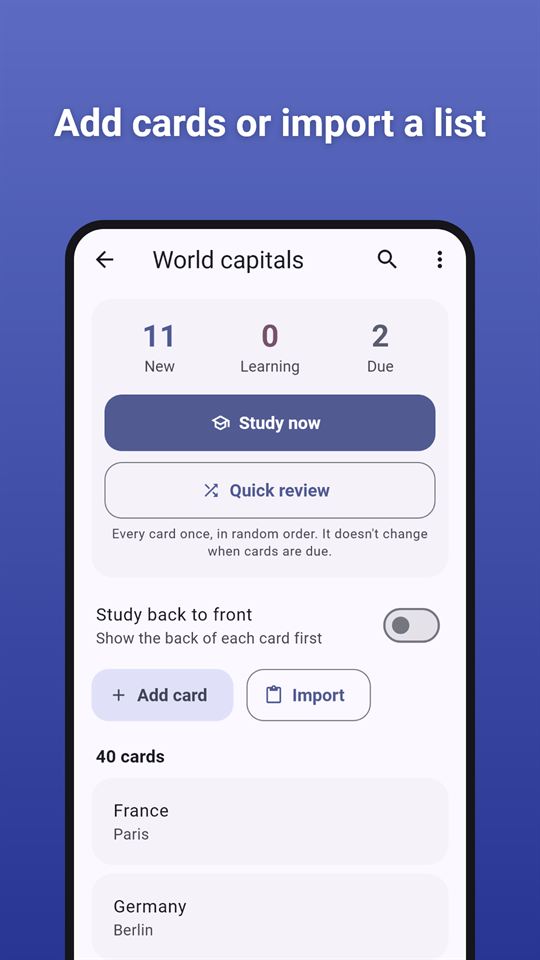
- Create as many decks as you like: rename, duplicate or delete them at any time
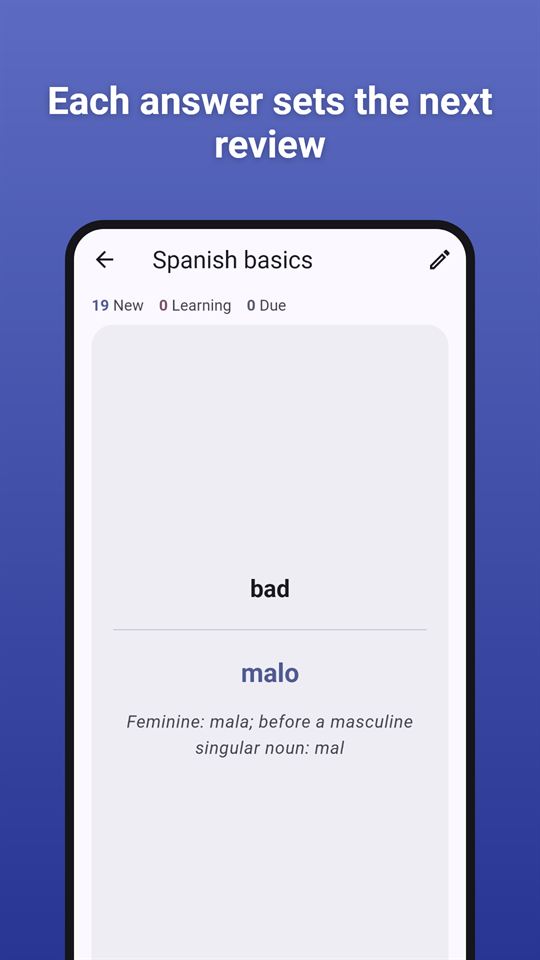
- Each card has a front, a back and an optional hint or note, and every side can span several lines
- Search a deck for any word on its cards
- Study back to front: switch a deck round to learn it in the other direction, handy for vocabulary flashcards in a new language
Import and export
- Paste a list, one card per line: the app finds the separator by itself (tab, semicolon, comma or " - ") and shows a preview before anything is added
- Import a CSV or TSV file that you pick with your phone's file picker. Quoted fields, line breaks inside a card and spreadsheet exports are handled, so the flashcard maker can turn a word list from a spreadsheet into a deck in one go
- Cards already in the deck are left out, so importing the same list twice does not double it
- Export any deck as a CSV file through the share sheet, to back it up or open it in a spreadsheet
Study with spaced repetition flashcards
- Due reviews come first, then new cards, with a daily limit for new cards that you set
- New cards go through short learning steps (1 and 10 minutes) before they are spaced out over days
- Four answer buttons: Again, Hard, Good and Easy. Each shows when you will see the card next
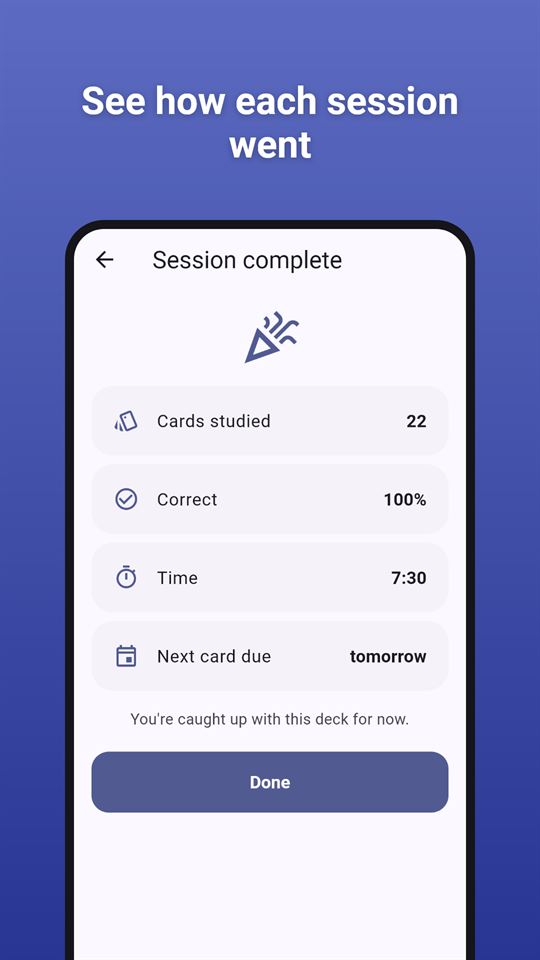
- A summary after each session: cards studied, how many you got right, the time it took and when the next card is due
- Quick review: go through a whole deck in random order whenever you like. It doesn't change your schedule
- Optional answer timer, and you can turn the vibration off
See your progress
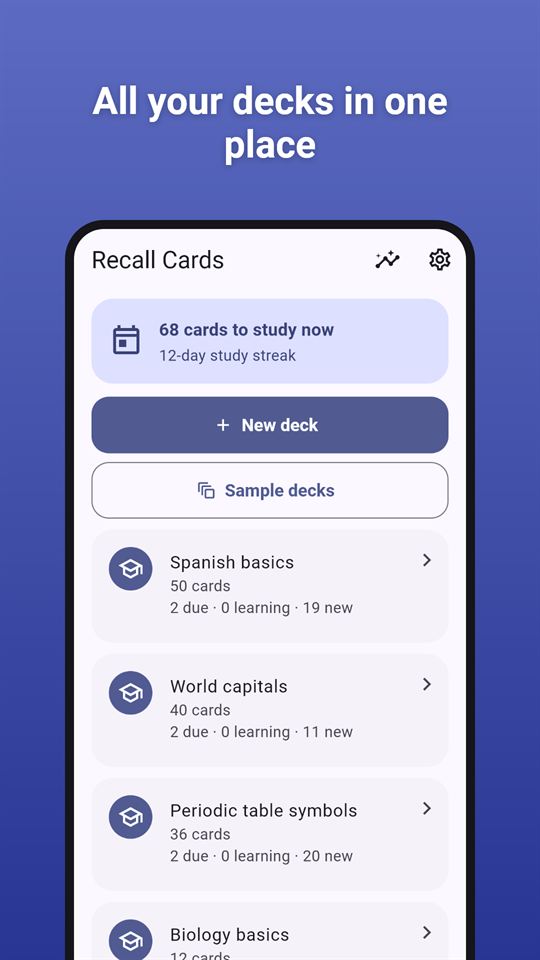
- New, learning and due counts for every deck
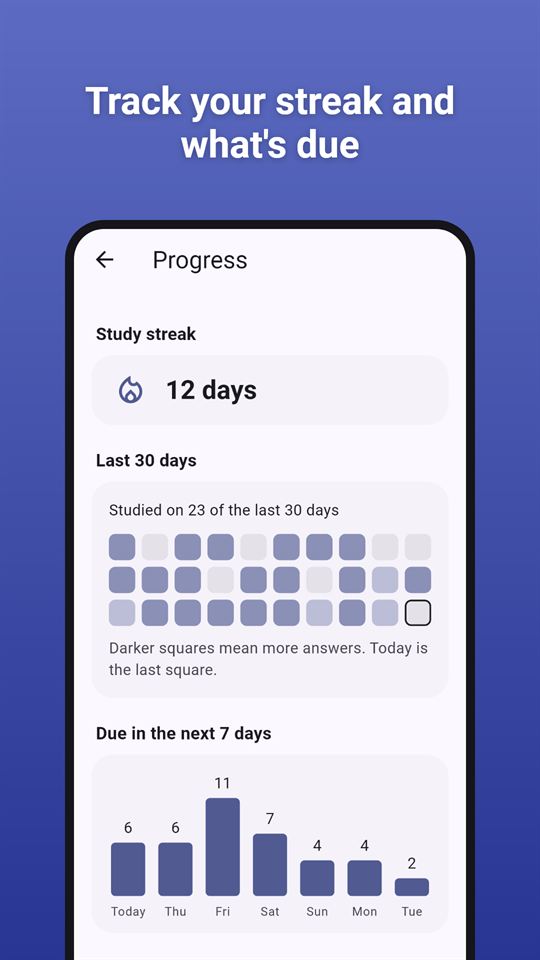
- How many reviews are coming up in the next 7 days
- Your study streak and a grid of the last 30 days
Try it with a sample deck
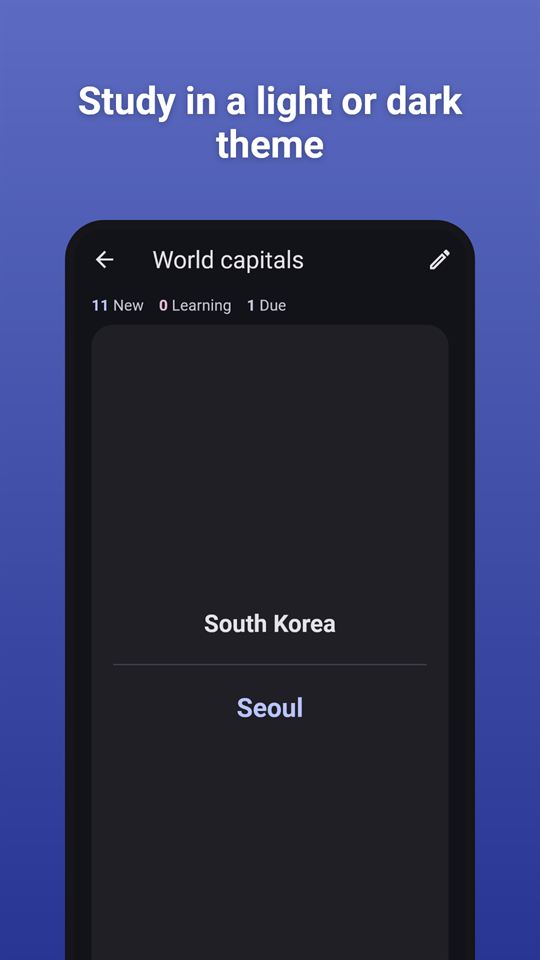
Add a ready-made deck if you want to try the app first: Spanish basics (50 everyday words), World capitals (40 countries) or Periodic table symbols (the first 36 elements). They become ordinary decks that you can edit.
Your cards stay on your phone
There is no account and no sign-up. Your decks are saved on your phone only, and this flashcard maker works offline: studying needs no internet connection (ads need one). The app asks for no storage permission: when you import, you choose the one file it may read.
Recall Cards is free and contains ads: a banner on the deck list, the deck page and the session summary, and an occasional full-screen ad after you tap Done at the end of a study session. Ads never appear while you study or edit a card.
Frequently asked questions
Is there a flashcard app with spaced repetition that works offline?
Recall Cards is a flashcard maker with spaced repetition that works without internet or an account. Due reviews come first, then new cards, and four buttons (Again, Hard, Good, Easy) each show when the card will come back. Only the ads need a connection.
How can I turn a spreadsheet word list into flashcards?
Recall Cards imports a CSV, TSV or TXT file that you pick with the phone's file picker, or a pasted list with one card per line. It detects tab, semicolon, comma or " - " separators, shows a preview, and skips cards already in the deck.
What is a good app to make my own vocabulary flashcards?
Recall Cards lets you write your own cards with a front, a back and an optional hint, and can study a deck back to front to practise both directions. A Spanish basics sample deck with 50 everyday words is included to try it.
Is Recall Cards free?
Yes, Recall Cards is free and contains ads. There are no in-app purchases and no reward videos, and every feature works without watching anything. Ads never appear while you study or edit a card.
Does Recall Cards need a storage permission?
No. Recall Cards asks for no storage, photo or file permission. Import uses Android's file picker, so the app reads only the one file you choose, and export hands a CSV file to the share sheet.
How is Recall Cards different from other flashcard apps?
Recall Cards is built around your own decks rather than ready-made content, with CSV import and export, a quick review mode that does not change the schedule, and progress stats: a 7-day forecast, a study streak and a 30-day grid.
What data does Recall Cards collect?
Recall Cards itself collects nothing; there are no accounts or shared decks, and your cards stay on your phone. The Google AdMob SDK that shows the ads collects device identifiers and similar data, as described in the privacy policy.