DocGlow is a free Android QR and barcode scanner that checks links before opening them, with a scan-to-PDF document scanner and a receipt log.
| Price | Free, with ads. No in-app purchases |
|---|
| Ads | A banner on the home screen, the history and the expenses list, and an occasional full-screen ad after a finished share or export or a saved expense; never on the camera or scan result, and no reward videos. |
|---|
| Account | No account or sign-up |
|---|
| Works offline | Scanning and creating codes, text extraction and the expense log work without internet; document and receipt scanning use Google's Play services scanner, which may need a connection once to download; ads need one. |
|---|
| Permissions | Camera - only on scanning screens, to read codes and scan documents and receipts; Internet - to load ads and to open a link, search or map after you confirm; No storage, photo, contacts or location permission; Advertising ID - added by the Google AdMob SDK for ads |
|---|
| Your data | The app itself sends nothing; files leave only when you share them. Google's on-device ML Kit may send diagnostics to Google, and the Google AdMob SDK sends device and ad data for ads. |
|---|
| Storage | Code history (can be switched off), scanned documents, extracted text, expenses and receipt photos are kept in the app's private storage on the phone and can be deleted in Preferences. |
|---|
| Requires | Android 7.0 or later |
|---|
| Developer | GlowVibe |
|---|
| Updated | 2026-10-24 |
|---|
A QR and barcode scanner that shows you where a link goes before you open it, with a document scanner and a receipt log in the same small app.
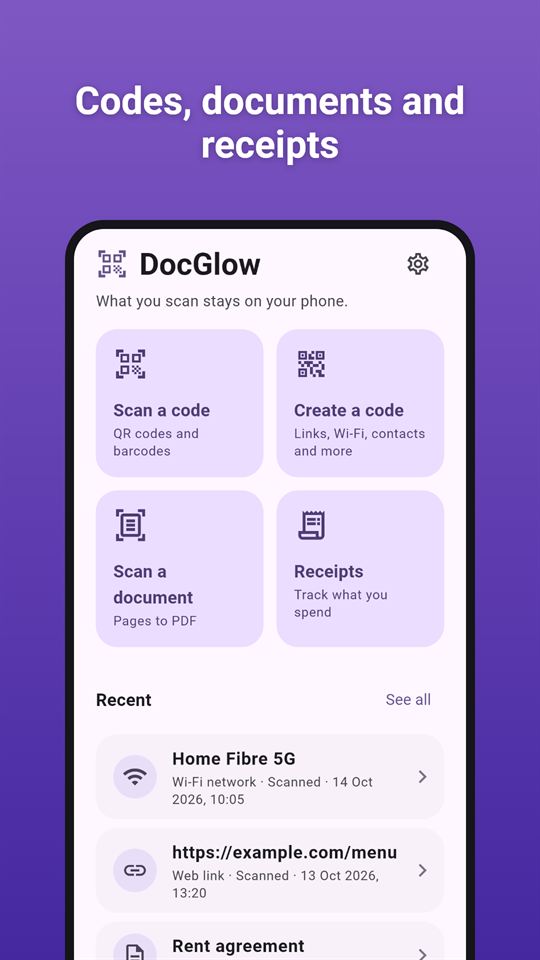
Four everyday scanning jobs: read a code, make a code, scan a page to PDF, log a receipt. Everything runs on your phone. DocGlow has no account and no server, and what you scan stays on your phone unless you choose to share it.
Qr and barcode scanner
- Point the camera at a QR code or barcode and see what it says
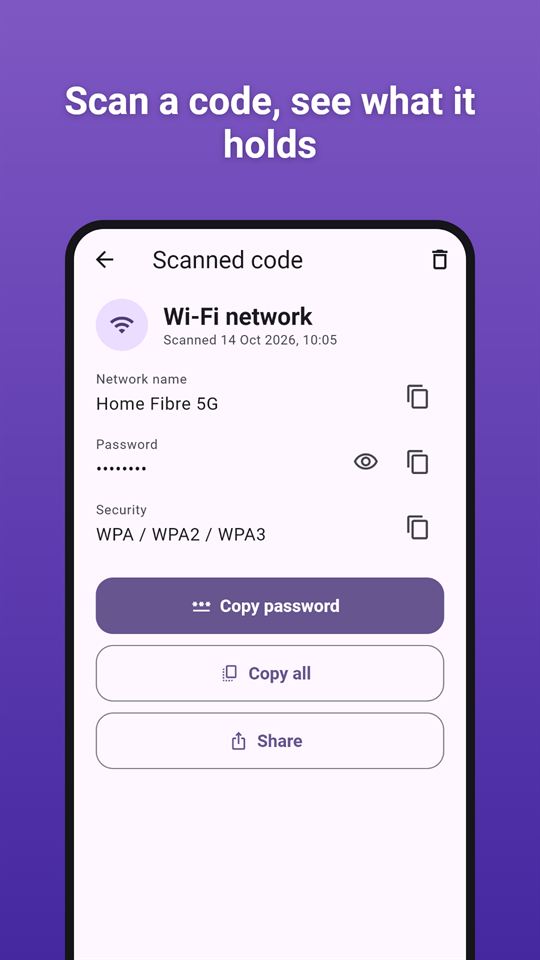
- Understands links, email, phone numbers, text messages, Wi-Fi networks, places, contact cards and product codes
- For safer QR scanning, links are shown in full and only opened when you tap and confirm. You get a warning for shortened links, links without encryption, bare IP addresses, web addresses written with lookalike international characters and addresses with an embedded login
- Wi-Fi passwords are hidden until you tap to show them
- Copy, share, or open in the right app. Use the light in the dark
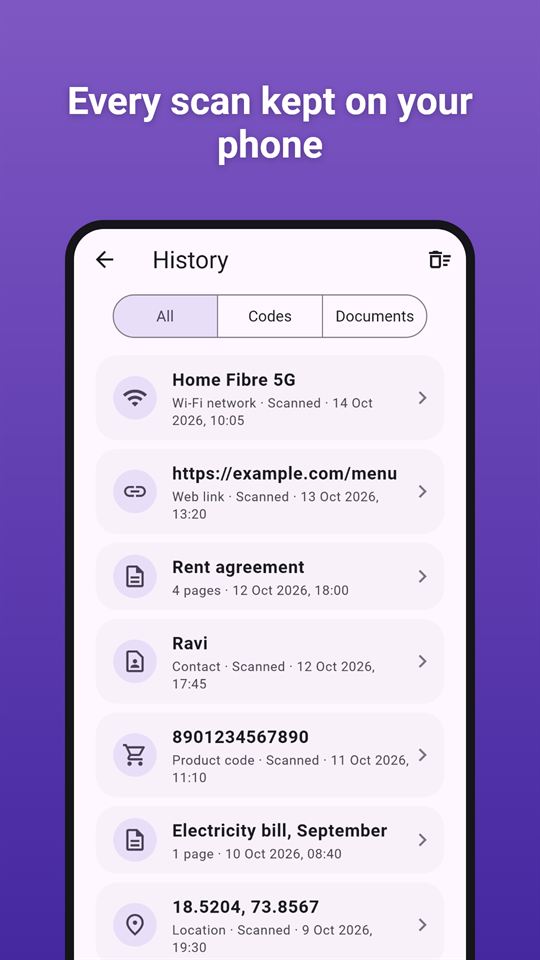
- Keep a history of what you scanned, or switch it off
Qr code and barcode generator
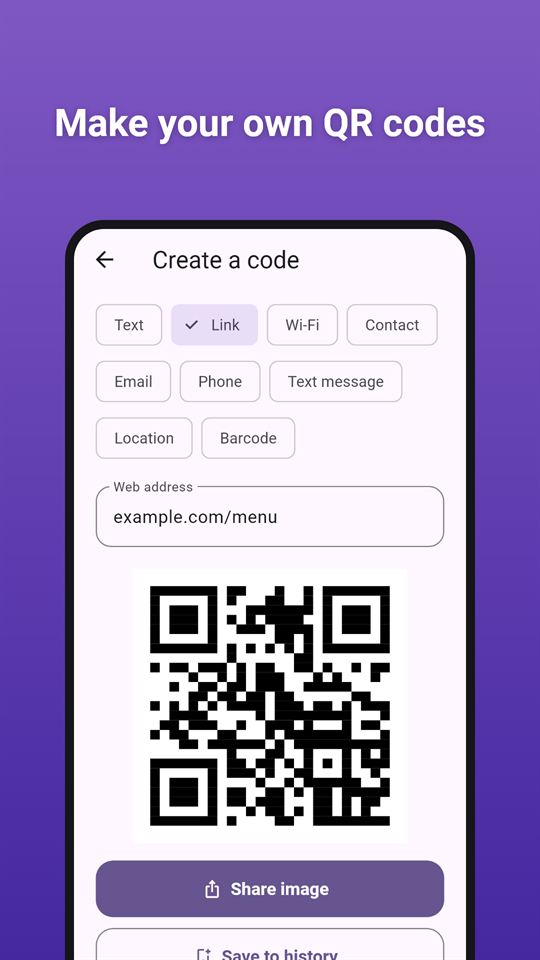
- Make QR codes for text, links, Wi-Fi, contacts, email, phone numbers, text messages and places
- Make Code 128, Code 39, EAN-13, EAN-8, UPC-A, Data Matrix, PDF417 and Aztec codes; the check digit for EAN and UPC product codes is added for you
- Share the code as a picture
Document scanner: scan to pdf
- Scan up to 20 pages with automatic edge detection and cleanup, using Google's document scanner
- Import photos from your gallery in the same screen
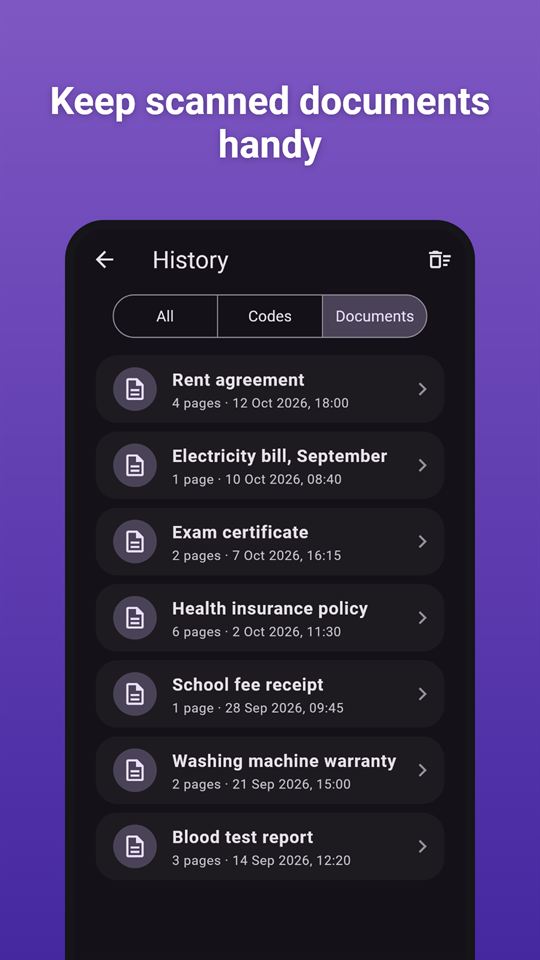
- Get a PDF to share, and look through the pages in the app
- Extract the text from the pages on your phone, then copy or share it
Receipt scanner and expenses
- Scan a receipt and let the app read the shop, date, total and tax for you. Always check the numbers: text recognition can make mistakes
- Add expenses by hand too, with a category, notes and your own currency
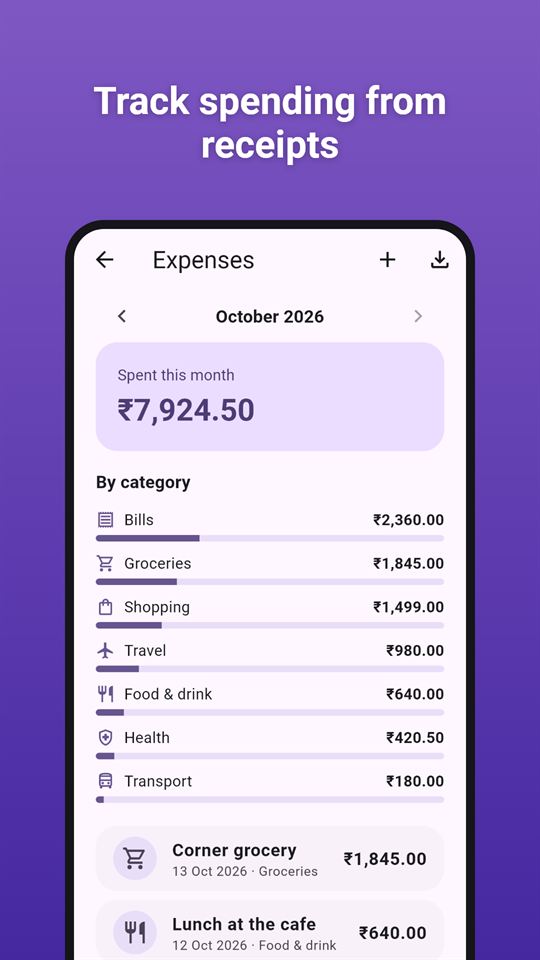
- See each month's total, a breakdown by category, and export a CSV file for your spreadsheet
Private by design
The QR and barcode scanner uses the camera only to scan, and pictures are processed on your phone. Documents, receipt photos and expenses are kept in the app's private storage, and you can delete them from Preferences at any time. The app needs no storage permission.
DocGlow is free and contains ads. Ads appear on the home screen and the lists, and sometimes after you finish sharing, exporting or saving an expense. They never cover the camera.
Frequently asked questions
Is there a QR scanner that shows me the link before opening it?
DocGlow shows every scanned link in full and opens it only after you tap and confirm. It warns about shortened links, links without encryption, bare IP addresses, lookalike names and addresses with an embedded login.
How can I scan documents to PDF on my phone without an account?
DocGlow scans up to 20 pages into a PDF using Google's document scanner, with edge detection and gallery import, and needs no account. You can read the pages in the app, extract the text and share the PDF.
Is there an app to scan receipts and export expenses to a spreadsheet?
DocGlow reads the shop, date, total and tax from a receipt photo, then lets you check and save it with a category. It shows each month's total by category and exports a CSV file. Always check the numbers, as text recognition can make mistakes.
Is DocGlow free?
Yes, DocGlow is free and contains ads: banners on the home screen and lists, and an occasional full-screen ad after a share, export or saved expense. There are no in-app purchases, and ads never appear on the camera screen.
What kinds of codes can DocGlow create?
DocGlow makes QR codes for text, links, Wi-Fi, contacts, email, phone numbers, text messages and places. It also makes Code 128, Code 39, EAN-13, EAN-8, UPC-A, Data Matrix, PDF417 and Aztec codes, and shares them as a picture.
How is DocGlow different from other QR scanner apps?
DocGlow never opens a link, joins a Wi-Fi network or adds a contact by itself, and flags risky links first. It also includes a code generator, a 20-page document scanner and a receipt log, with no storage permission.
Does DocGlow upload my scans or documents?
No. DocGlow processes scans on your phone and keeps documents, receipts and history in its private storage until you delete them. A file leaves only when you share it; the Google AdMob SDK collects ad data.