CVSmith is a free resume and CV maker for job seekers: fill in short forms, pick one of four templates and share or print a PDF. No account, no upload.
| Price | Free, with ads. No in-app purchases |
|---|
| Ads | A banner on the resume list and under the preview, an occasional full-screen ad after a completed share or print, and an optional reward video that unlocks the Modern and Compact templates for 24 hours; Classic and Minimal are always free and no ad appears while you type. |
|---|
| Account | No account or sign-up |
|---|
| Works offline | Editing, the preview, PDF creation and printing to a local printer work without internet; ads and reward videos need a connection, and sharing to email or cloud apps depends on those apps. |
|---|
| Permissions | Internet and network state - to load ads and open links you tap (the network state permission comes from the ads SDK); Advertising ID - added by the Google Mobile Ads SDK for ads |
|---|
| Your data | The app itself sends nothing; your details leave the phone only in the PDF you choose to share or print, and only the AdMob SDK sends data such as device identifiers for ads. |
|---|
| Storage | Resumes and settings are stored in the app's private storage on the phone; you can delete one or all of them in the app. Android's device backup may include app data if the user has backup turned on. |
|---|
| Requires | Android 7.0 or later |
|---|
| Developer | GlowVibe |
|---|
| Updated | 2026-10-24 |
|---|
A resume maker for your phone: write your resume section by section and export it as a PDF that is ready to send.
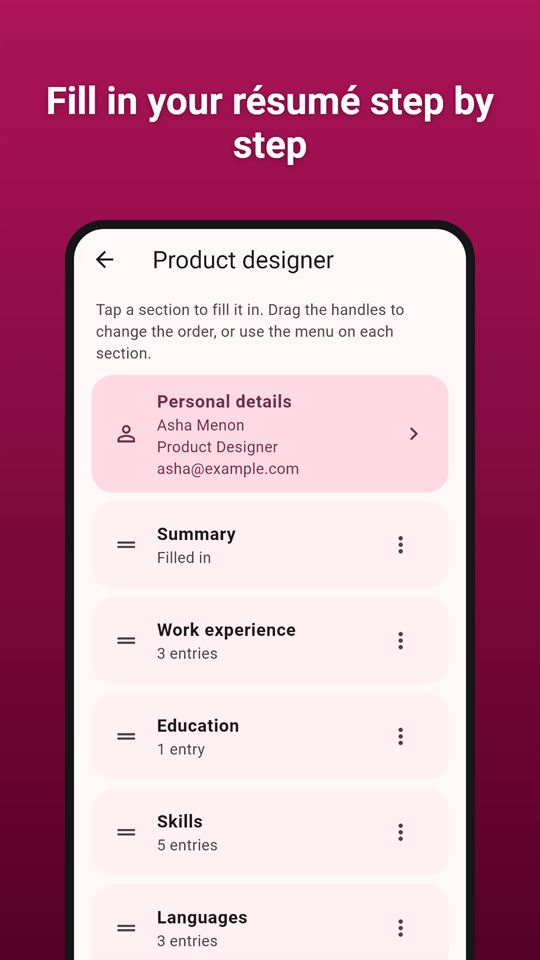
CVSmith is a resume maker that turns a few short forms into a tidy CV. Type your details once, drag the sections into the order you want, choose a resume template and an accent colour, and check the page preview before you share or print. There is no account, no login and no upload: your resume lives on your phone and leaves it only in the PDF you send.
What you can fill in
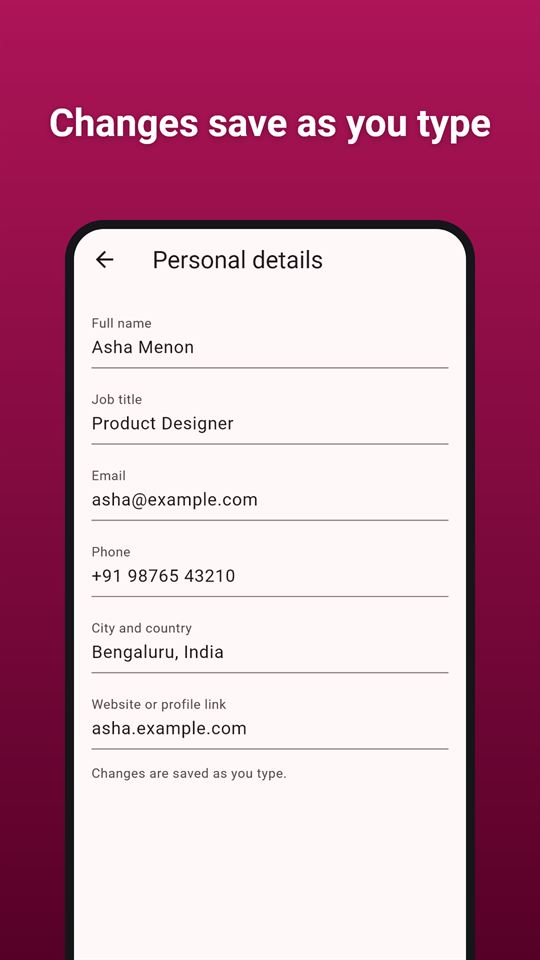
- Personal details: name, job title, email, phone, city and a website or profile link
- A short summary
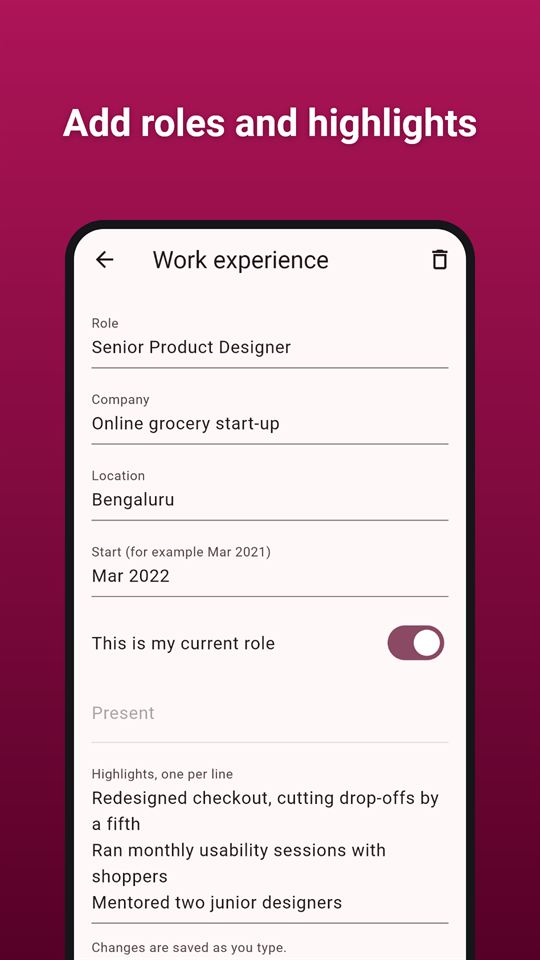
- Work experience with dates, "current role" and bullet-point highlights
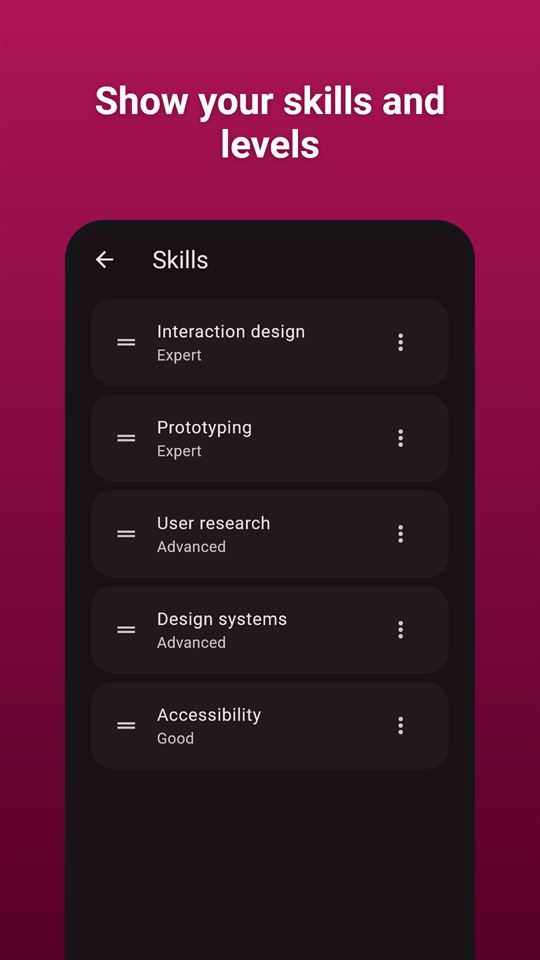
- Education, skills with a level from 1 to 5, languages, certificates and awards
- Your own sections (projects, interests, references on request) with free text
- Put the sections in any order, and hide any section from the PDF without deleting it
The pdf
- Four resume templates: Classic, Minimal, Modern (with a coloured sidebar) and Compact (dense, for one page)
- Eight accent colours, three text sizes, A4 or Letter paper
- Skill levels as dots or as words
- Long resumes flow on to more pages; the preview shows every page and the page count
- The file is named after you ("Your Name - CV.pdf"). There is no watermark and no app name on it; a longer resume only gets page numbers
- Print from the phone, or share the PDF to email, a messaging app or cloud storage
Made for the job search
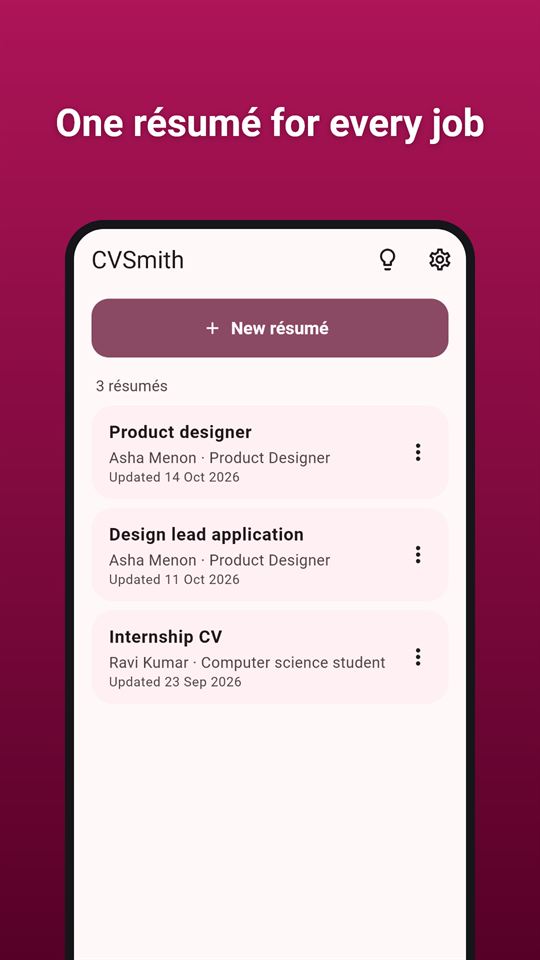
- Keep several resumes and duplicate one when you apply for a different kind of role
- Use it as a CV maker or a resume maker: the same details work with every template, so trying another layout never means typing again
- Everything is saved as you type, so nothing is lost if a call comes in
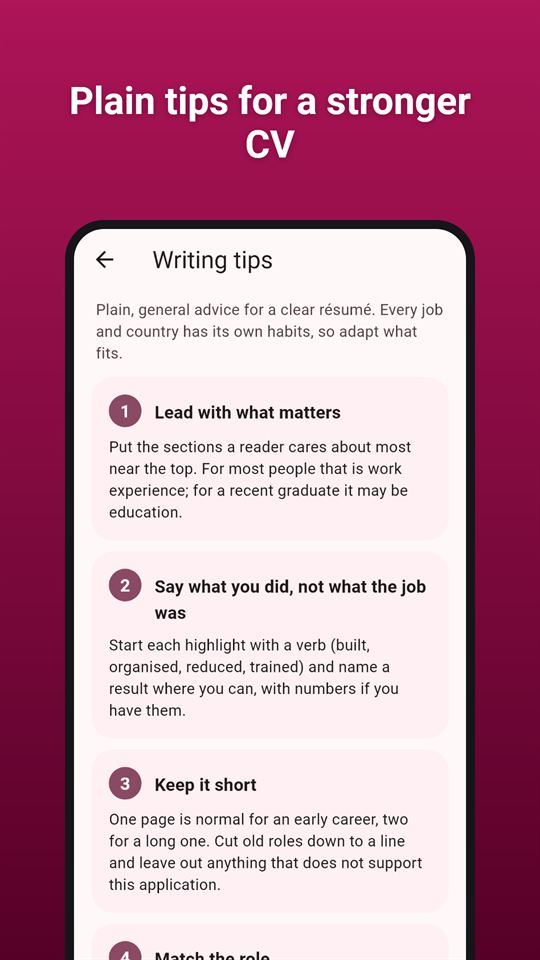
- Short writing tips in the app: plain, general advice, no promises
- Light and dark themes, large text and screen readers supported
Private by design
Your name, contact details and work history stay on your phone. CVSmith has no server and does not collect or send them. Delete a resume, or all of them, in the app at any time. It is a resume builder you can use without signing in anywhere.
CVSmith is free and contains ads: a banner on the list of resumes and under the preview, and an occasional full-screen ad after you share or print a PDF. No ad appears while you type. The Modern and Compact templates are unlocked for 24 hours by an optional short video; Classic and Minimal are always free.
Frequently asked questions
Is there a resume maker app that exports a PDF without a watermark?
CVSmith creates a resume PDF with no watermark, app name or footer line on it. The file is named after you, for example "Jane Doe - CV.pdf", and a longer resume only gets page numbers. You can print it or share it from the phone.
Can I make a CV on my phone without creating an account?
Yes. CVSmith needs no account or login and has no server: your details stay on the phone and leave it only in the PDF you share or print. You fill in short forms section by section and check a page preview before sending.
What app lets me switch resume templates without retyping?
In CVSmith the same details work with all four templates, Classic, Minimal, Modern and Compact, so changing layout never means typing again. You can also pick one of eight accent colours, three text sizes and A4 or Letter paper.
Is CVSmith free?
Yes, CVSmith is free and contains ads, with no in-app purchases. Classic and Minimal templates are always free. Modern and Compact unlock for 24 hours if you choose to watch a short video; there are no ads while you type.
Can I keep several resumes in CVSmith?
Yes. CVSmith keeps as many resumes as you like and can duplicate one, so you can tailor a copy for a different kind of role. Sections can be reordered or hidden from the PDF without deleting them, and everything saves as you type.
How is CVSmith different from other resume builder apps?
CVSmith works without an account or upload and puts no branding on your PDF. It covers experience, education, skills with levels 1 to 5, languages, certificates and custom sections, and offers short general writing tips with no promises.
What data does CVSmith collect?
CVSmith itself collects nothing: names, contact details and work history are stored only on your phone and never sent to the developer. The Google AdMob SDK that shows the ads collects device identifiers and similar data, as described in the privacy policy.