Scribble Nook is a free, offline drawing pad for quick sketches and doodles, with pen, pencil, shapes, three layers, autosave and PNG export.
| Price | Free, with ads. No in-app purchases |
|---|
| Ads | A banner on the gallery screen only, and an occasional full-screen ad after you tap Done on a saved-to-gallery confirmation or return from a completed share; never on the drawing screen, and no reward videos. |
|---|
| Account | No account or sign-up |
|---|
| Works offline | Drawing, the gallery and exporting all work without internet; only the ads need a connection. |
|---|
| Permissions | Internet and network state - to load ads and open links you tap (the network state permission comes from the ads SDK); Advertising ID - added by the Google Mobile Ads SDK for ads; Write to storage - only on Android 10 and older, asked only when you tap Save to gallery; Android 11 and newer need no permission |
|---|
| Your data | The app itself sends nothing; a PNG leaves the app only when you save it to the gallery or share it, and only the AdMob SDK sends data such as device identifiers for ads. |
|---|
| Storage | Drawings, thumbnails and settings are kept in the app's private storage on the phone; exported PNGs go to a "Scribble Nook" album in the gallery. Android's device backup may include app data if the user has backup turned on. |
|---|
| Requires | Android 7.0 or later |
|---|
| Developer | GlowVibe |
|---|
| Updated | 2026-10-24 |
|---|
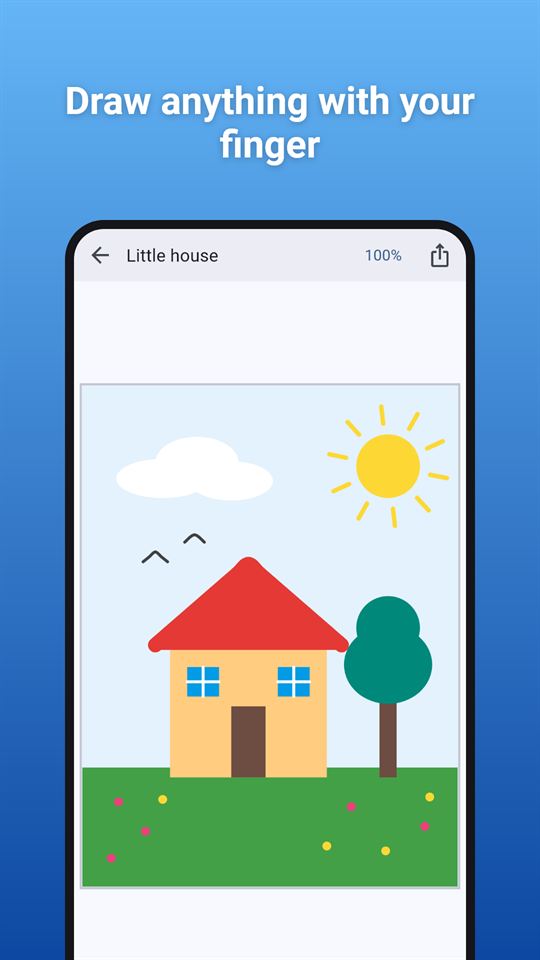
Scribble Nook is a drawing pad for quick sketches, doodles and notes. Open it, pick a colour and draw: your drawing is saved as you go, so you can close the app and carry on later.
Think of it as a sketch pad that is always in your pocket, with a few real tools and nothing in the way of the canvas.
Tools
- Pen, marker (see-through, wide tip), pencil (thin and light) and eraser
- Shapes: line, rectangle and ellipse, outlined or filled
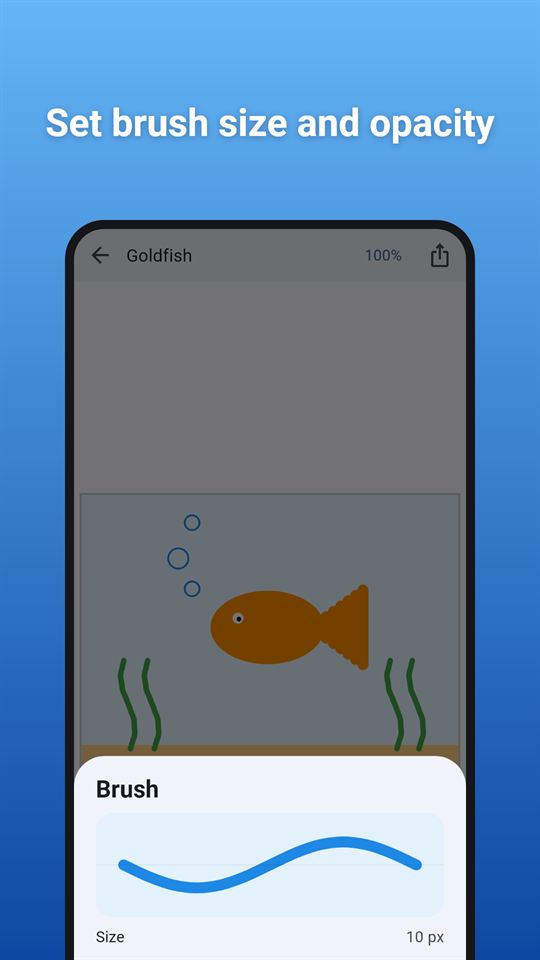
- Brush size from 1 to 60 pixels and an opacity slider, with a live preview
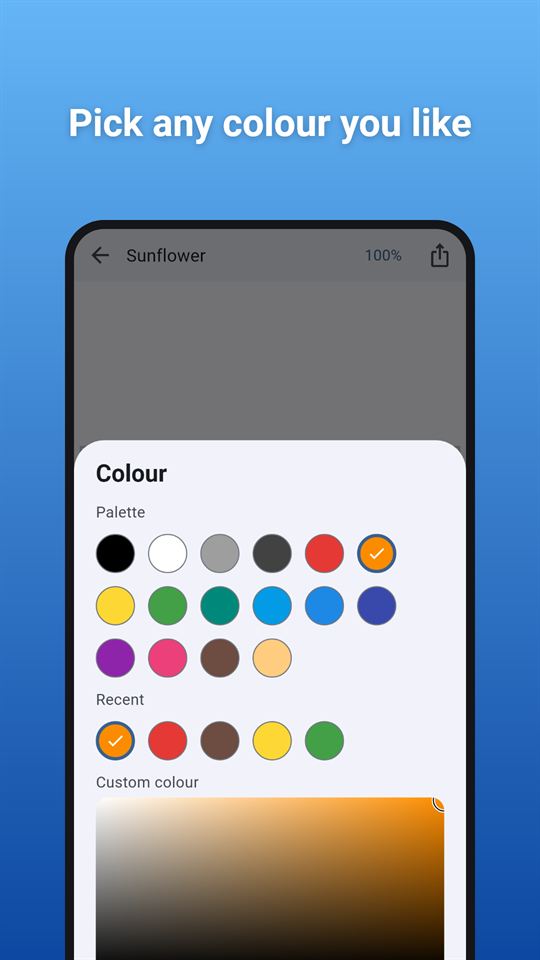
- A 16-colour palette, your recent colours, and a custom colour picker
- Undo and redo for at least 100 steps
Layers
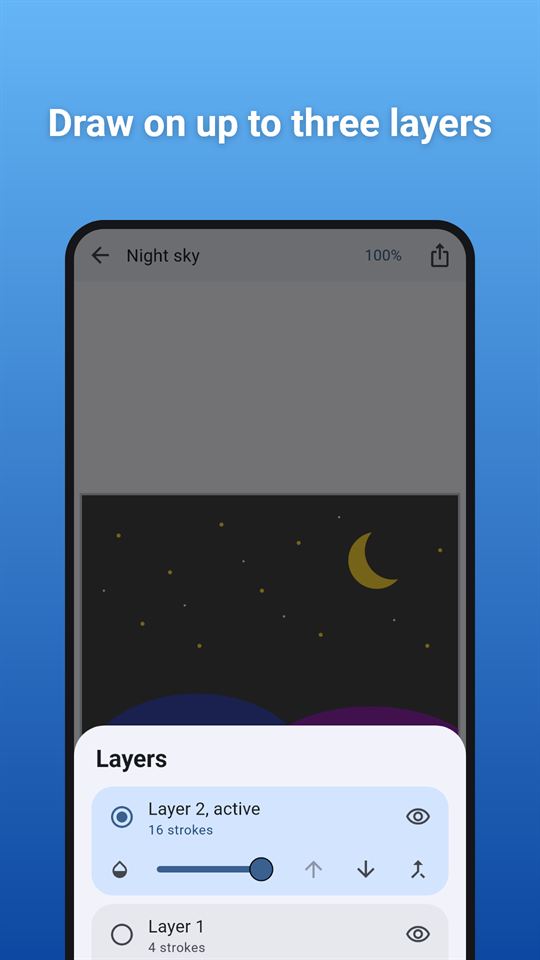
- A drawing app with layers, kept simple: up to three of them. Draw a sketch on one layer and ink on another
- Show or hide a layer, change its opacity, move it up or down, or merge it into the layer below
The canvas
- Pick a size when you start: square (2048 x 2048), portrait, landscape, or the size of your phone's screen
- Pick a background colour, or keep it white like a paper drawing pad
- Pinch to zoom from half size to eight times, drag with two fingers to move around, tap the zoom button to fit the whole drawing on screen again
- One finger draws; two fingers move and zoom, so a stray touch never spoils a line
Save and share
- Drawings are kept as editable strokes, not as flat pictures, and are saved automatically every few seconds
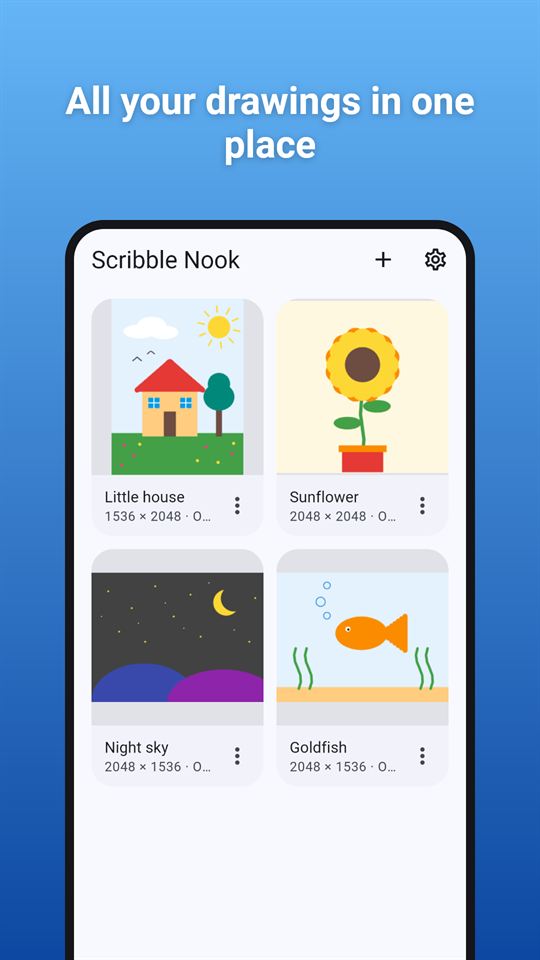
- The gallery shows every drawing with a thumbnail. Rename, duplicate or delete them
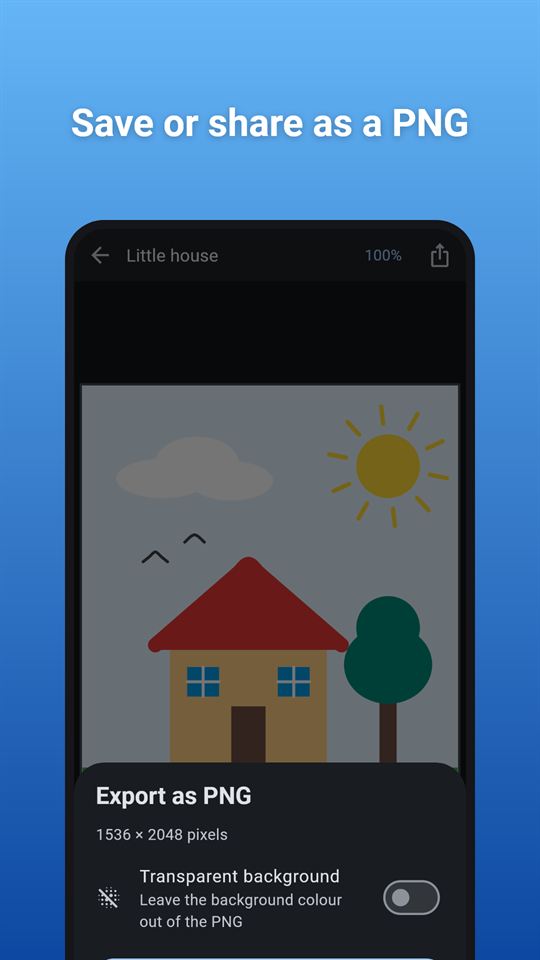
- Export any drawing as a PNG at full canvas resolution: save it to your phone's gallery (in a "Scribble Nook" album) or share it with another app. A switch leaves the background transparent
Made to be easy to use
- Works sideways, with the tools at the side. A left-handed option puts them on the left
- Every button has a label for screen readers, and the sliders can be adjusted with accessibility actions
- Light and dark themes; vibration can be switched off
Everything stays on your phone
Scribble Nook has no account and no sign-up. It is a drawing pad that works offline: drawing needs no internet connection (ads need one). Your drawings stay in the app's own storage until you export, share or delete them.
Scribble Nook is free and contains ads: a banner on the gallery screen and an occasional full-screen ad after you save or share a drawing. There are never ads on the drawing screen.
Frequently asked questions
Is there a simple drawing app with layers that works offline?
Scribble Nook is a drawing pad with up to three layers that works without internet or an account. You can hide a layer, change its opacity, move it up or down or merge it into the layer below. Only the ads need a connection.
Can I export a phone drawing as a PNG with a transparent background?
Yes. Scribble Nook exports any drawing as a PNG at full canvas size, up to 2048 x 2048 pixels for the square canvas, and a switch leaves the background transparent. Save it to the gallery or share it with another app.
What is a good doodle app with no sign-up?
Scribble Nook opens straight to a canvas with no account or sign-up. It has pen, marker, pencil, eraser and shapes, a 16-colour palette, and saves your drawing automatically every few seconds so you can carry on later.
Is Scribble Nook free?
Yes, Scribble Nook is free and contains ads. There are no in-app purchases and no reward videos. You see a banner on the gallery and an occasional full-screen ad after you save or share a drawing, never while you draw.
Does Scribble Nook have undo and zoom?
Scribble Nook keeps up to 200 undo and redo steps. Pinch with two fingers to zoom from half to eight times the fit-to-screen size and drag with two fingers to move; one finger always draws, so a stray touch does not spoil a line.
How is Scribble Nook different from other drawing apps?
Scribble Nook keeps the tools few so the canvas stays clear: four drawing tools, three shapes and three layers. Drawings stay editable as strokes, there is a left-handed toolbar option, and nothing is uploaded or needs an account.
What permissions and data does Scribble Nook use?
Scribble Nook collects nothing itself; drawings stay in its private storage. It asks for storage access only on Android 10 and older when you tap Save to gallery. The Google AdMob SDK that shows the ads collects device identifiers and similar data.